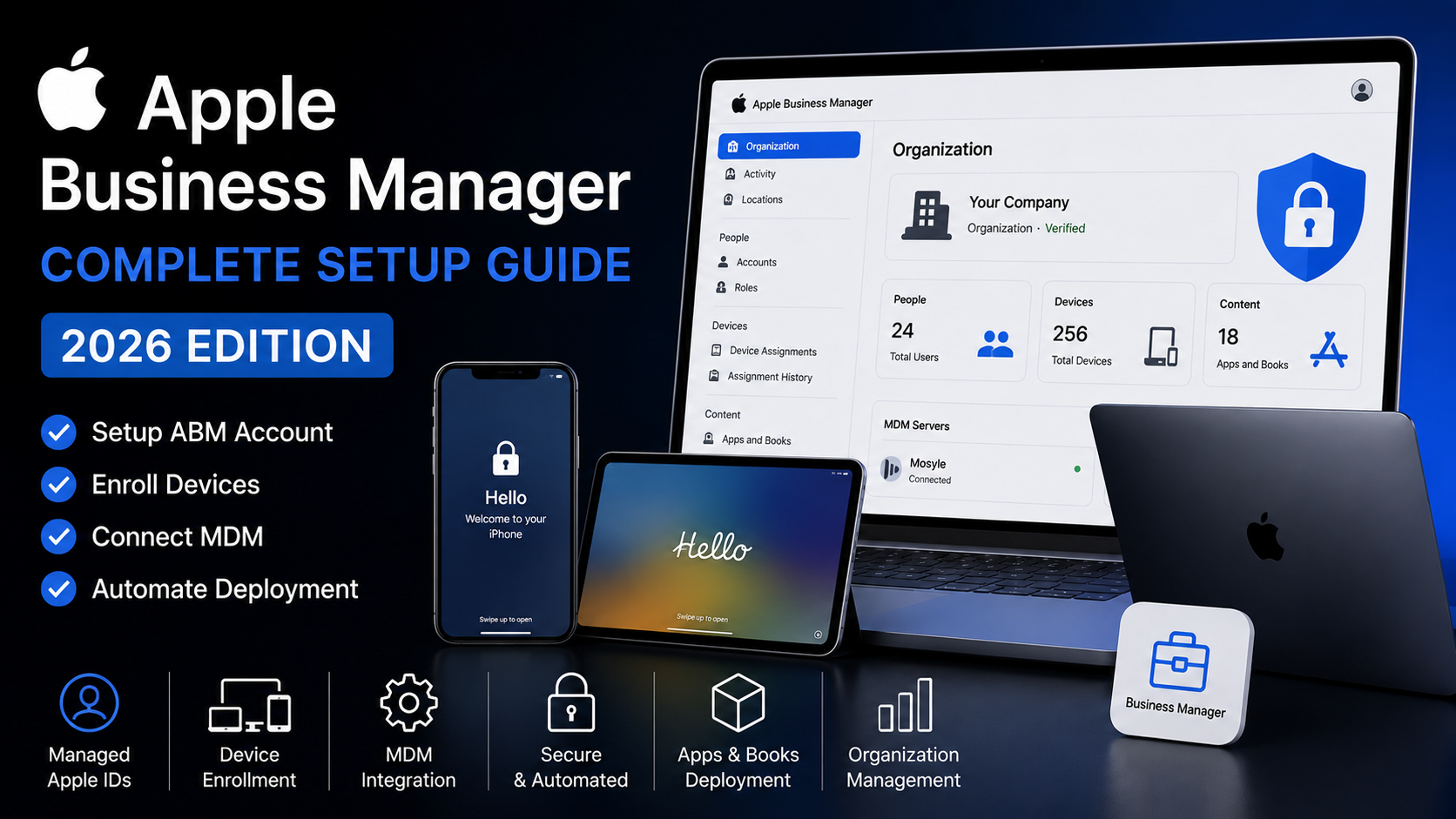
Apple Business Manager Complete Setup Guide (2026)
Apple Business Manager (ABM) is Apple’s official platform for managing company-owned devices, applications and user accounts. Combined with an MDM solution, ABM enables zero-touch deployment, automated enrollment and centralized device management.
This guide explains how to configure Apple Business Manager from scratch and prepare your organization for secure Apple device management.
What is Apple Business Manager?
Explain:
- Integration with MDM
- Organization management
- Device assignment
- Managed Apple Accounts
- App and Book distribution
Requirements
- Apple Business Manager account
- Company domain
- D-U-N-S Number
- Managed Apple IDs
- MDM solution (Mosyle, Jamf, Intune)
Step 1 — Create an Apple Business Manager Account
Explain registration.
Step 2 — Verify Your Domain
Explain domain verification.
Step 3 — Add Users
Explain:
- Administrators
- Staff
- Device Managers
Step 4 — Connect an MDM
Use Mosyle as an example.
Explain:
- Server Token
- Push Certificate
- Device Assignment
Step 5 — Enroll Devices
Explain:
- Purchased from Apple
- Purchased from Authorized Reseller
- Apple Configurator
Step 6 — Automated Device Enrollment
Explain ADE.
Common Problems
- Device doesn’t appear
- Wrong reseller
- Activation Lock
- Token expired
- Device assigned to another MDM
Best Practices
- Enable MFA.
- Use Managed Apple IDs.
- Keep server tokens updated.
- Limit Administrator accounts.
- Review device assignments regularly.
Conclusion
Summarize why ABM is essential for modern Apple device management.
FAQ
Is Apple Business Manager free?
Yes.
Can I add old devices?
Yes, using Apple Configurator.
Do I need an MDM?
Yes. ABM manages ownership and enrollment, while the MDM manages device settings and policies.
Can I remove a device later?
Yes, if your organization owns the device and you have the appropriate administrative permissions.