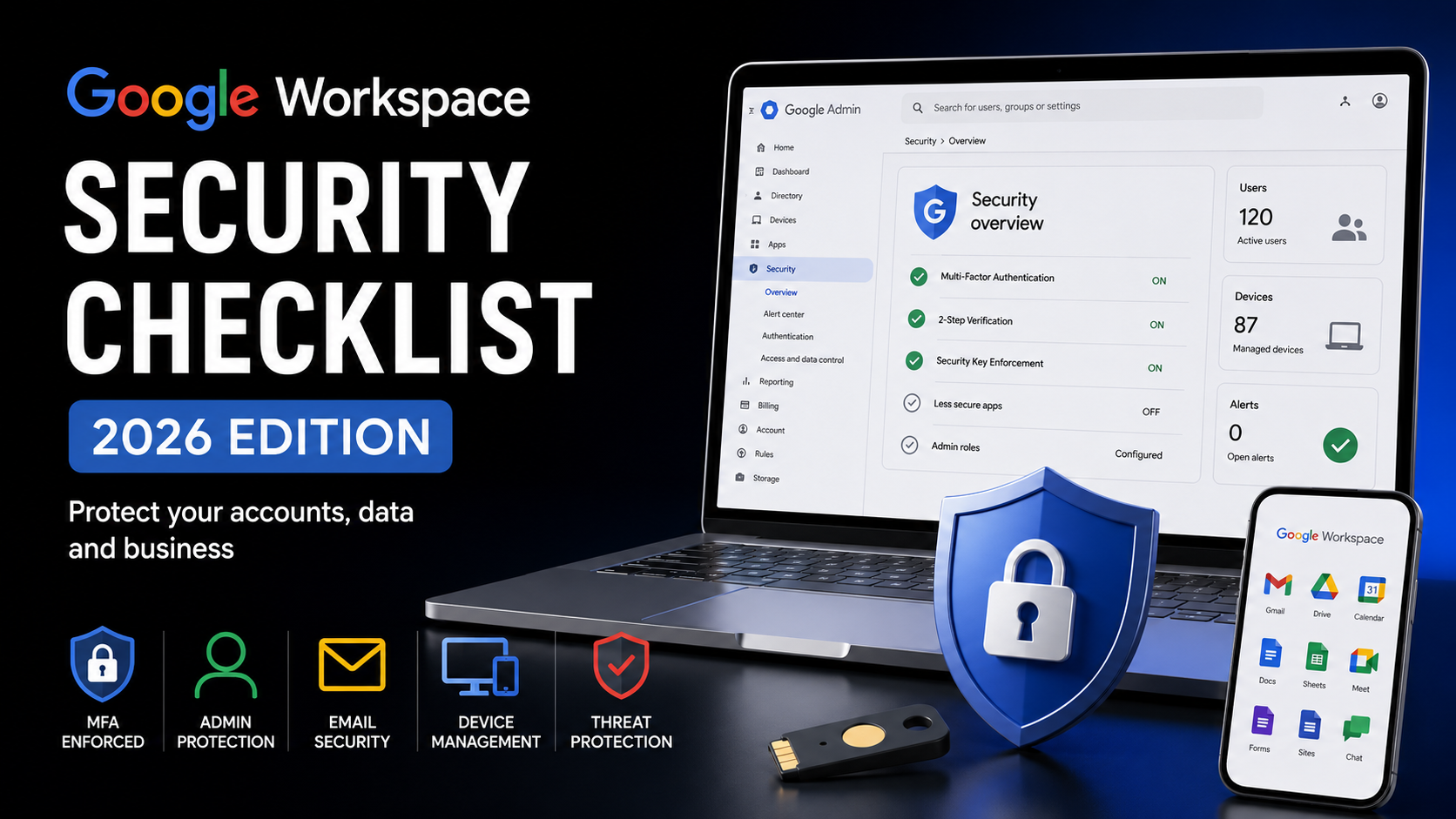
Google Workspace Security Checklist (2026 Edition)
Google Workspace has become one of the most popular cloud productivity platforms for businesses of all sizes. While Google provides strong built-in security, many organizations leave critical settings at their default values, creating unnecessary risks.
This practical security checklist covers the most important Google Workspace settings every administrator should review to protect company data, user accounts and business operations.
Why Google Workspace Security Matters
Every Google Workspace organization stores valuable business information including emails, documents, calendars, contacts and shared drives.
A single compromised account may expose confidential information or disrupt daily operations.
Proper security configuration significantly reduces these risks.
Enable Multi-Factor Authentication
The first and most important step is enabling Multi-Factor Authentication (MFA) for every user.
Recommended methods include:
• Google Prompt
• Security Keys
• Authenticator App
Avoid SMS whenever possible.
2. Protect Administrator Accounts
Administrator accounts should receive additional protection.
Recommendations:
• Separate admin accounts
• Strong passwords
• MFA enforcement
• Limited number of Super Admins
3. Review Admin Roles
Never give Super Admin privileges to every administrator.
Instead, use predefined roles such as:
• Groups Admin
• User Management Admin
• Help Desk Admin
Apply the principle of least privilege.
4. Secure Gmail
Review Gmail security settings.
Recommended actions:
• Enable Anti-Spam
• Enable Anti-Phishing
• Enable Attachment Scanning
• Block dangerous file types
• Configure SPF
• Configure DKIM
• Configure DMARC
5. Configure Context-Aware Access
Limit access based on:
• Device
• Location
• IP Address
• User Risk
6. Manage Mobile Devices
Use Endpoint Management.
Require:
• Screen Lock
• Encryption
• Remote Wipe
• Device Approval
7. Monitor Security Alerts
Enable alert notifications.
Review:
• Suspicious Login
• Admin Activity
• Password Changes
• OAuth Applications
8. Audit Third-Party Apps
Regularly review connected applications.
Remove unused OAuth applications.
Limit API access where possible.
9. Backup Critical Data
Although Google provides excellent availability, independent backups remain recommended.
Backup:
• Gmail
• Drive
• Shared Drives
• Contacts
• Calendar
10. Review Security Monthly
Security is not a one-time task.
Perform monthly reviews of:
• Users
• Groups
• Admin Roles
• MFA Status
• Devices
• Security Alerts
Best Practices
• Enable MFA for every user.
• Use separate administrator accounts.
• Configure SPF, DKIM and DMARC.
• Review audit logs regularly.
• Keep devices managed.
• Remove inactive users.
• Limit third-party applications.
Conclusion
Google Workspace offers a powerful security platform, but its effectiveness depends on proper configuration. Following this checklist helps reduce security risks, protect business data and create a safer environment for employees.
FAQ
Is Google Workspace secure by default?
Yes, but additional security configuration is strongly recommended for business environments.
Should every administrator have Super Admin rights?
No. Use delegated administrator roles whenever possible.
Is MFA mandatory?
For business environments, yes. It is one of the most effective protections against account compromise.
Do I still need backups?
Yes. Independent backups provide additional protection against accidental deletion, ransomware and long-term retention requirements.